| .github/workflows | ||
| .vscode | ||
| assets | ||
| client | ||
| cmd/api | ||
| db | ||
| docs | ||
| engine | ||
| internal | ||
| queue | ||
| romanizer | ||
| static | ||
| testing_init | ||
| Dockerfile | ||
| go.mod | ||
| go.sum | ||
| Makefile | ||
| README.md | ||
| sqlc.yaml | ||

Koito
Koito is a modern, themeable, ListenBrainz-compatible scrobbler that I created because I am a data-addicted self-hoster that wanted something a little bit better than what is currently available for my listening habits.
This project is currently pre-release, and therefore you can expect bugs for the time being. If you don't want to replace your current scrobbler with Koito quite yet, you can set up a relay from Koito to another ListenBrainz-compatible scrobbler. This is what I've been doing for the entire development of this app and it hasn't failed me once. Or, you can always use something like multi-scrobbler.
Demo
You can view my public instance with my listening data at https://koito.mnrva.dev
Screenshots
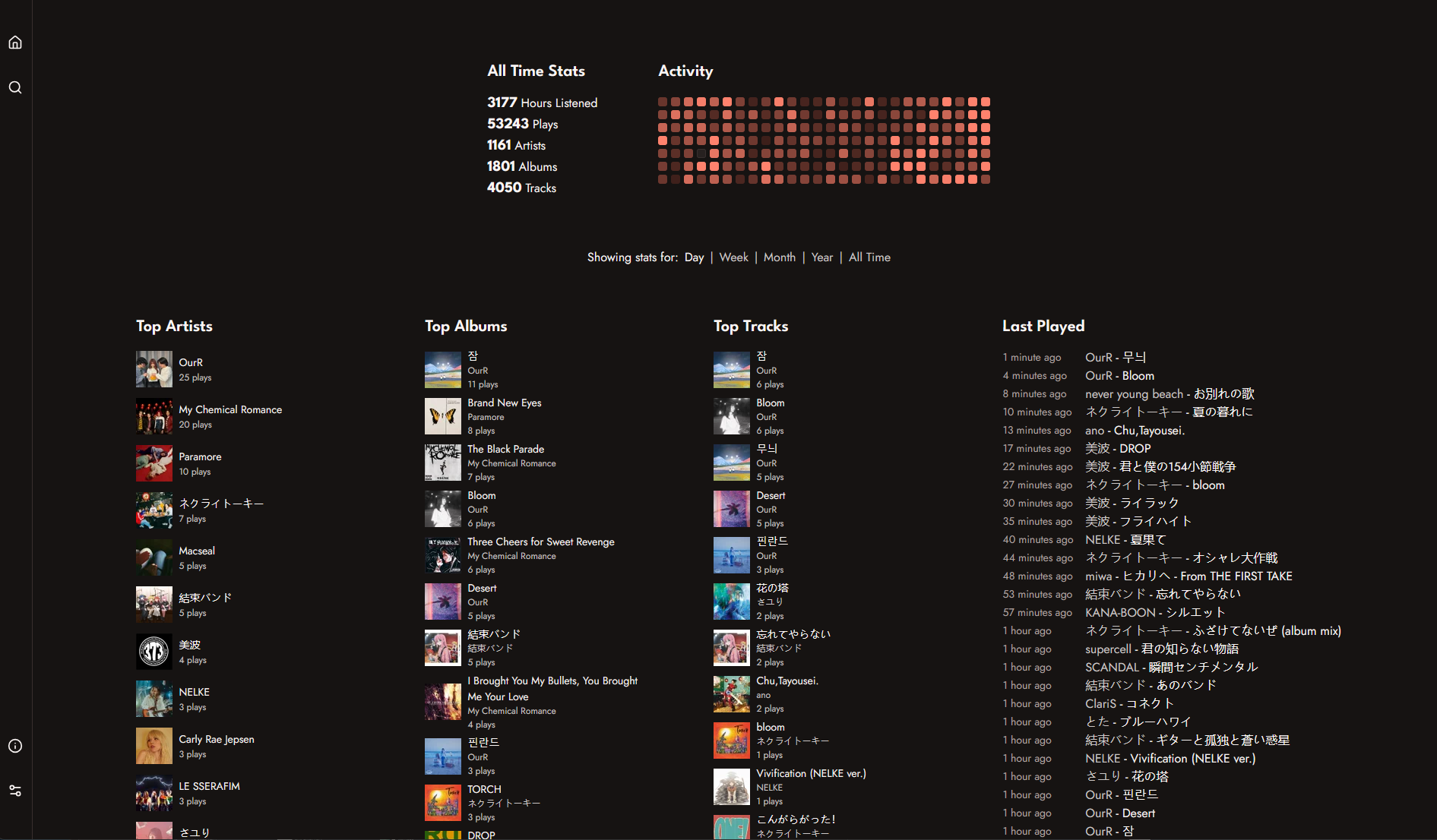
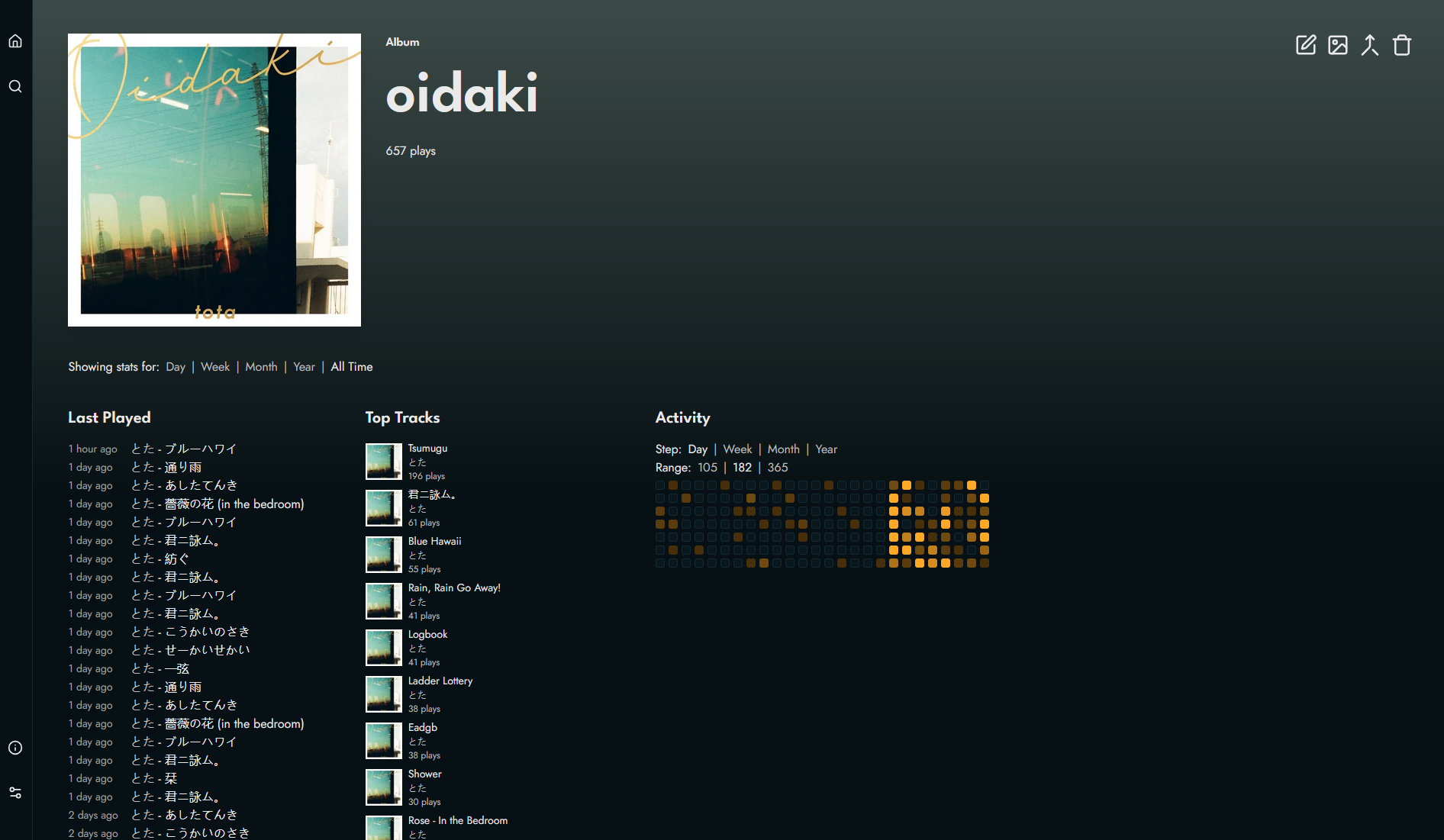
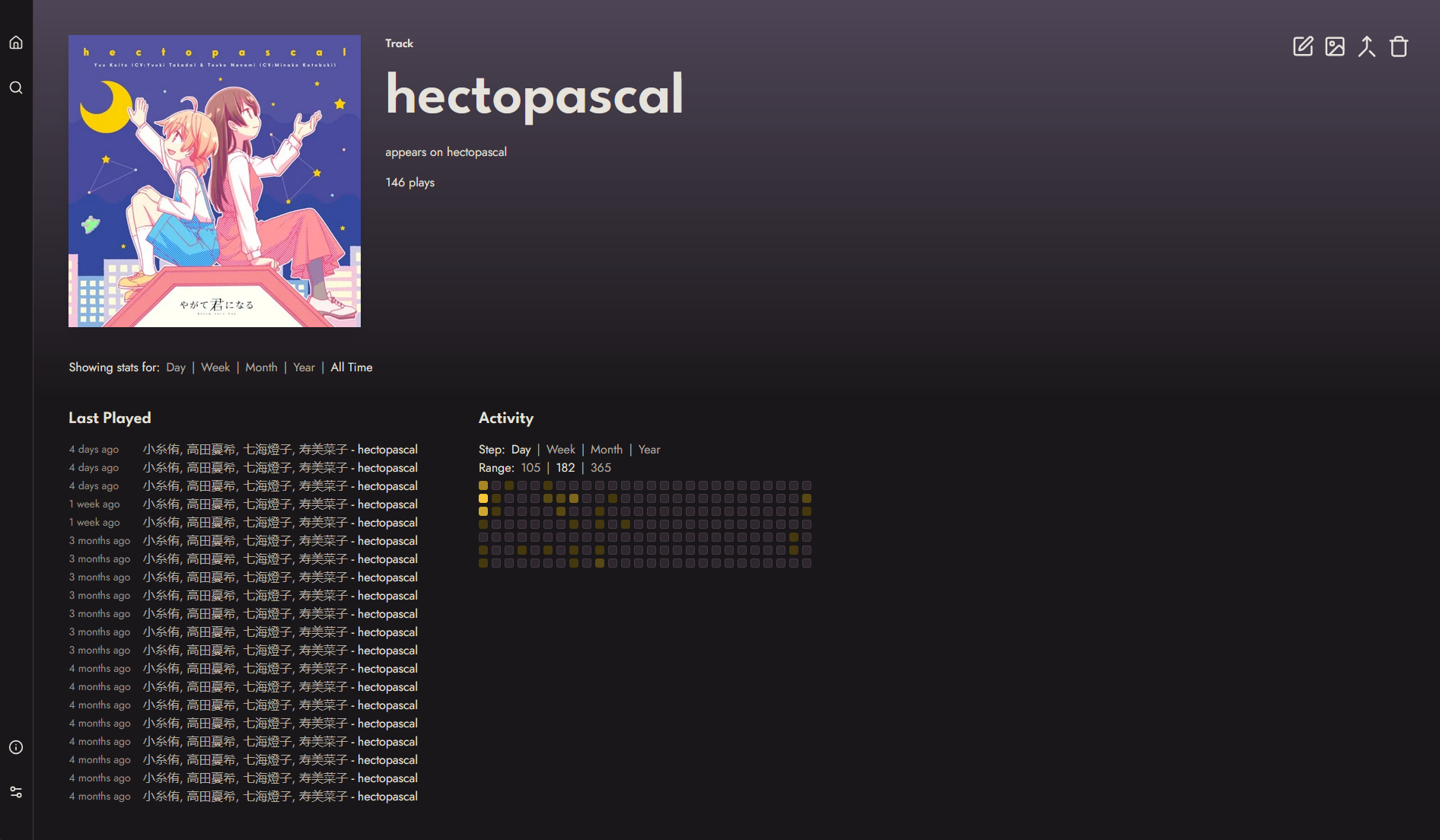
Installation
See the installation guide, or, if you just want to cut to the chase, use this docker compose file:
services:
  koito:
    image: gabehf/koito:latest
    container_name: koito
    depends_on:
      - db
    environment:
      - KOITO_DATABASE_URL=postgres://postgres:secret_password@db:5432/koitodb
      - KOITO_ALLOWED_HOSTS=koito.example.com,192.168.0.100
    ports:
      - "4110:4110"
    volumes:
      - ./koito-data:/etc/koito
    restart: unless-stopped

  db:
    image: postgres:16
    container_name: psql
    restart: unless-stopped
    environment:
      POSTGRES_DB: koitodb
      POSTGRES_USER: postgres
      POSTGRES_PASSWORD: secret_password
    volumes:
      - ./db-data:/var/lib/postgresql/data
Be sure to replace secret_password with a random password of your choice, and set KOITO_ALLOWED_HOSTS to include the domain name or IP address you will be accessing Koito
from when using either of the Docker methods described above.
Importing Data
See the data importing guide in the docs.
Full list of configuration options
See the configuration reference in the docs.